Yes, software updates may count as repair attempts in a lemon law claim when they are used to fix a defect covered by the vehicle warranty. This can include dealer-installed updates, over-the-air patches, module resets, system recalibrations, and other software-based fixes. What matters most is whether the update was meant to repair a problem that affects the vehicle’s use, value, or safety.
Modern vehicles rely heavily on software. A car’s braking systems, cameras, sensors, charging functions, driver-assistance features, infotainment system, and battery controls may all depend on code. Because of that, a repair attempt does not always involve replacing a physical part. Sometimes, the “repair” is a software patch. If the same problem keeps returning after repeated updates, the repair history may become important in a California lemon law claim.
If you are still unsure whether your vehicle has signs of a lemon, you may also read Signs You May Have a Lemon Car and What to Do About It.
Why Software Updates Matter in Lemon Law Claims
 Years ago, many lemon law cases focused on engines, transmissions, brakes, and steering systems. Those issues still matter, but today’s vehicles are more technology-driven. A software issue can affect whether a backup camera works, whether a battery charges properly, whether safety warnings appear, or whether a vehicle enters reduced-power mode.
For drivers, this can be confusing. A dealership may say the problem was fixed with an update, but the same warning light or malfunction returns days later. In other cases, the update may fix one issue but create another. When that happens more than once, the driver should treat each service visit as part of the claim record.
What Counts as a Software Repair Attempt?
A software repair attempt can include any manufacturer-authorized effort to correct a defect through electronic or digital changes. This may happen at the dealership, through a remote update, or through a diagnostic procedure performed by a technician.
Dealer-Installed Software Updates
Many software repairs happen at the dealership. A technician may connect the vehicle to diagnostic equipment, update a module, reset a system, or install a manufacturer-issued software patch. If the repair order states that a software update was performed to address your complaint, that may support your repair history.
Over-the-Air Updates
Some vehicles receive over-the-air updates without a dealership visit. These updates may be installed through the vehicle’s connected system. If the manufacturer sends an update to address a defect, that update may still matter. Keep screenshots, notifications, emails, app records, and update notes whenever possible.
System Resets and Recalibrations
A dealership may also reset the infotainment system, recalibrate sensors, update a control module, or clear diagnostic codes. Even when the repair sounds minor, it may still be relevant if the technician performed it to fix the same recurring defect.
When an OTA Update May Count as a Repair Attempt
An over-the-air update may count as a repair attempt when it is connected to a defect you reported or a known vehicle issue. For example, if your backup camera freezes and the manufacturer sends a software update to correct camera performance, that update may become part of the repair timeline.
The same idea may apply to charging failures, battery-management errors, dashboard warning lights, driver-assistance malfunctions, braking alerts, or infotainment failures. The key issue is whether the update was meant to fix a problem that affects the vehicle’s use, value, or safety.
What If the Update Temporarily Fixes the Problem?
A temporary fix does not always end the issue. Some defects return after days, weeks, or months. If the same problem comes back after a software update, document the date it returned and schedule another service visit. Ask the dealership to list your exact complaint on the repair order.
This is especially important for intermittent software defects. A problem may not appear every time the vehicle is driven. Still, repeated warnings, failed features, app errors, and dashboard messages can show a pattern when they are documented clearly.
Do Not Rely Only on Verbal Explanations
Verbal explanations are easy to forget and hard to prove. If a service adviser says the update fixed the issue, ask for that information in writing. If the dealer says the vehicle is operating normally, ask for a repair order that says the issue could not be duplicated. Both types of records may matter later.
Common Software Defects That May Support a Claim
Not every software issue qualifies for lemon law protection. A minor inconvenience may not be enough. However, repeated software defects may become serious when they interfere with safety, reliability, or normal vehicle use.
Backup Camera and Display Failures
A frozen, delayed, black, or distorted backup camera can create a safety concern. If the defect keeps returning after updates or recalibrations, the repair history should be preserved.
Charging and Battery Software Problems
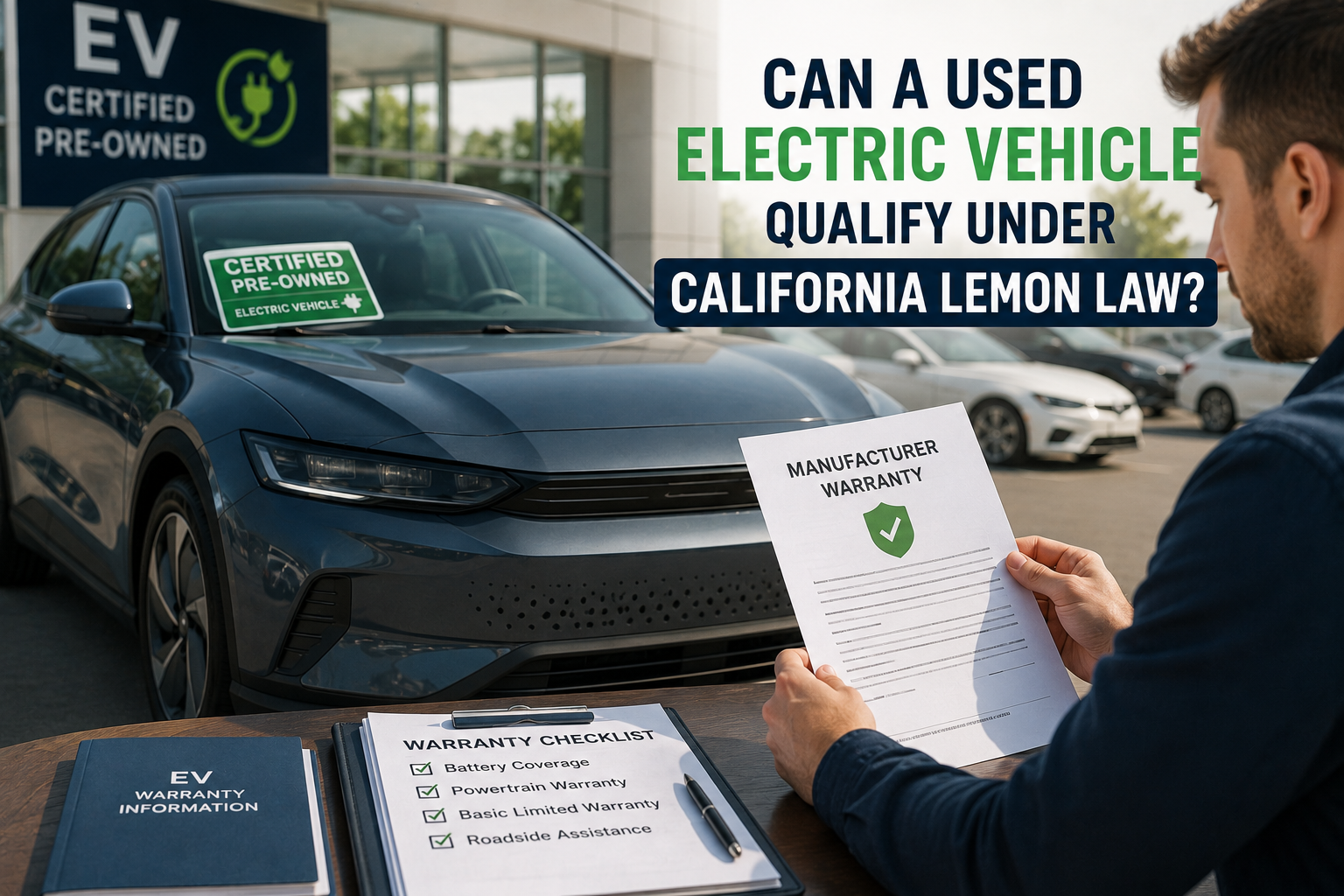
Electric vehicles depend on software for charging schedules, range estimates, battery health, and thermal management. Failed charging sessions, inaccurate range readings, and repeated battery warnings may be more than simple glitches.
Driver-Assistance System Malfunctions
Sensor errors, lane-keeping problems, phantom braking, adaptive cruise issues, and camera failures may affect the safe use of the vehicle. If these problems continue after updates, they may support further review.
Infotainment and Control Screen Problems
Some vehicles use the central screen for climate controls, cameras, settings, navigation, and safety alerts. A screen that freezes or shuts down repeatedly may affect more than entertainment.
How to Document Software Updates for a Lemon Law Claim
Documentation is one of the most important parts of any lemon law claim. Software issues can be harder to explain than a broken part, so the record should be clear and organized.
Save Every Repair Order
Ask for a repair order after every service visit. Check that it lists your complaint accurately. If the issue involves a software warning, dashboard error, camera failure, or charging problem, the repair order should mention that specific symptom.
Take Photos and Videos
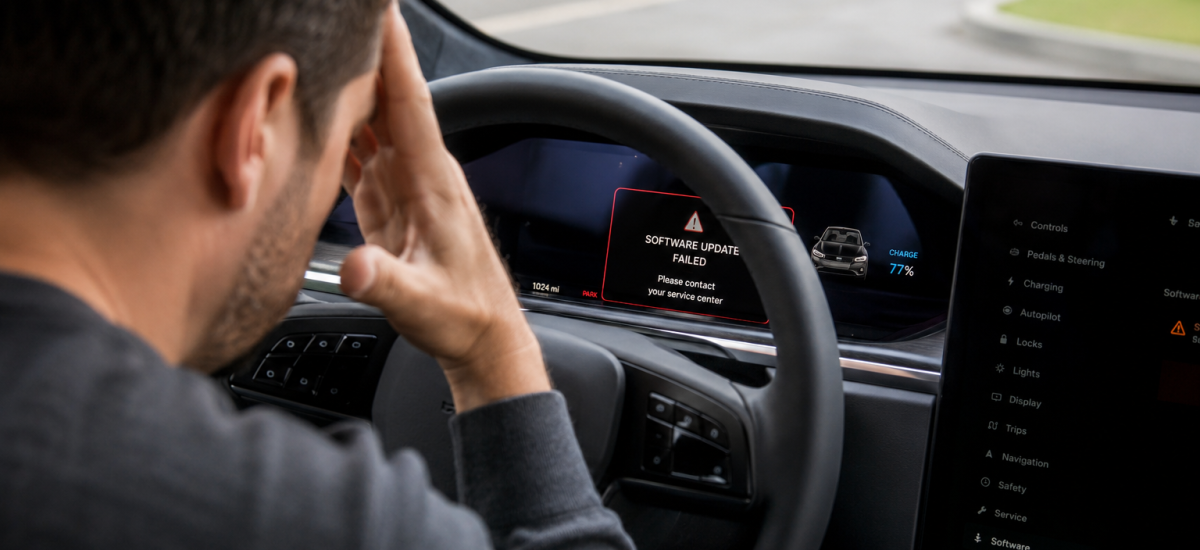
Use your phone to record warning messages, frozen screens, failed updates, camera problems, and app alerts. Videos can be helpful when the issue disappears before the dealership can inspect it.
Keep App and Update Records
If your vehicle app shows software version history, failed charging attempts, update notices, or error alerts, save screenshots. These records may help connect the defect to the manufacturer’s attempted fix.
Write a Simple Timeline
Create a list of dates showing when the defect appeared, when the update happened, and when the problem returned. Keep the timeline factual. Include service visits, update notices, towing events, and days the vehicle stayed at the dealer.
For more help with the claim process, see The Step-by-Step Process for Filing a Lemon Law Claim.
What If the Manufacturer Says the Update Fixed Everything?
A manufacturer may argue that a software update resolved the defect. That may be true in some cases. However, if the same problem returns, the driver should continue documenting it. A repeated issue after an update can show that the repair did not fully resolve the defect.
Drivers should also be careful about accepting broad explanations without paperwork. If the manufacturer says the issue is fixed, ask for records showing what was done. If the issue returns, report it again and keep the next repair order.
Can a Recall Affect a Software-Based Lemon Law Claim?
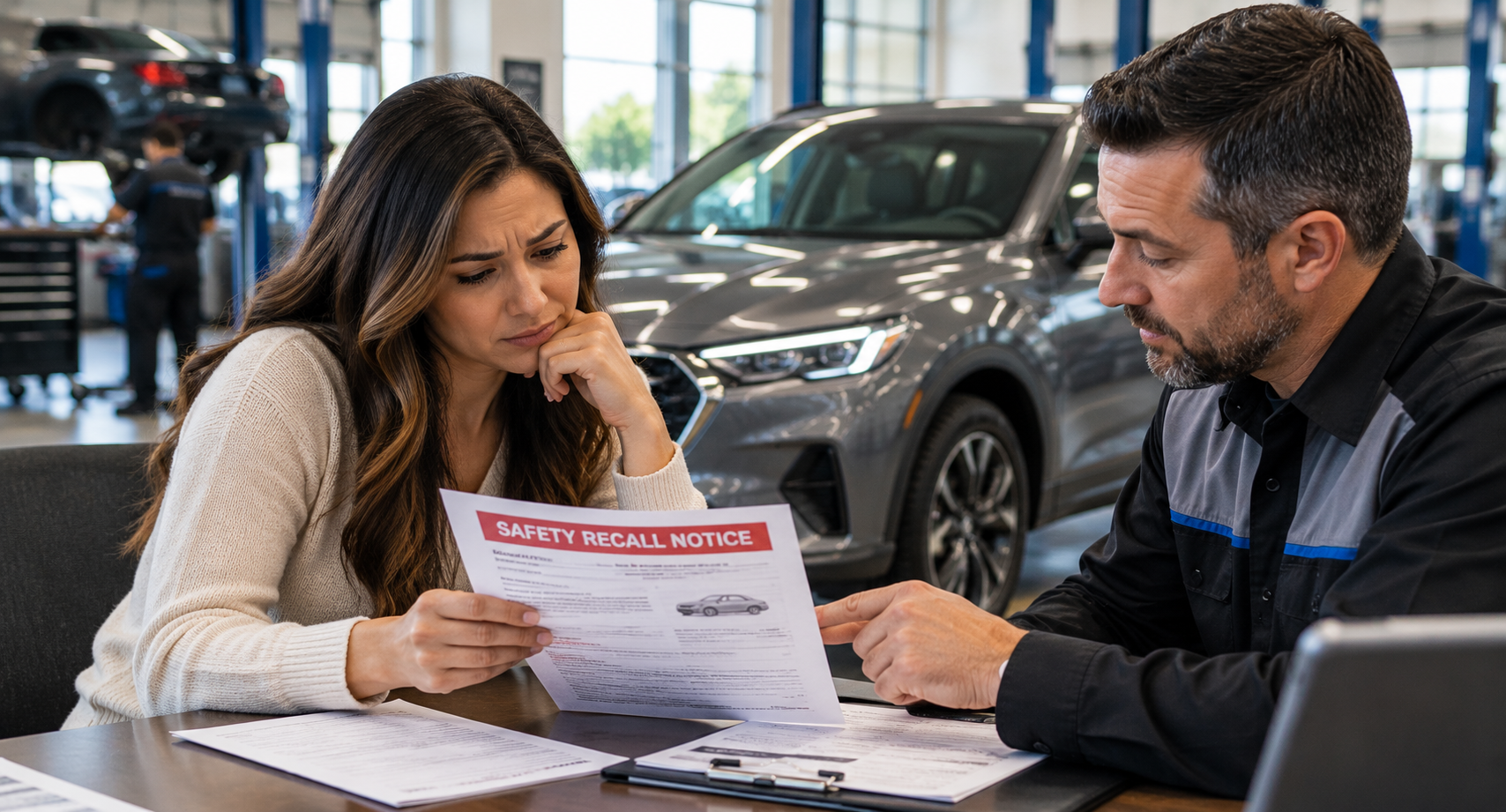
A recall and a lemon law claim are different. A recall may show that a manufacturer identified a safety-related issue. A lemon law claim focuses on your specific vehicle, repair history, warranty coverage, and whether the defect was fixed within a reasonable number of attempts.
You can check for open recalls through the NHTSA recall lookup tool. You may also review general recall and safety information through the NHTSA recalls and investigations page.
What to Do if the Same Software Defect Keeps Returning
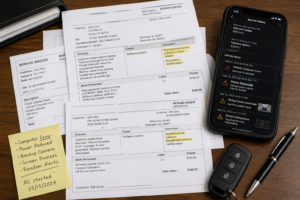 If the same software issue keeps returning, do not ignore it. Schedule another service visit and clearly describe the defect. Use the same wording each time if the problem is the same. For example, “backup camera freezes when reversing” is clearer than changing the complaint to “screen issue,” “camera problem,” or “display glitch” at each visit.
If the manufacturer denies responsibility or refuses to offer a fair resolution, review What To Do When Your Manufacturer Denies Your Lemon Law Claim.
Final Thoughts
Software updates can matter in a lemon law claim. When a dealer or manufacturer uses an update to fix a defect, that update may become part of the repair history. If the same issue keeps coming back, the pattern may support a closer review of your rights under California lemon law.
The best step is to preserve every record. Keep repair orders, update notices, app screenshots, videos, and written communication. Software defects can be harder to prove than mechanical problems, but a clear timeline can make the issue easier to understand.
If your vehicle has repeated software problems, failed updates, or recurring warning messages, legal guidance may help you review the repair history and evaluate possible next steps.